Part 66 (2023-989) Compliant
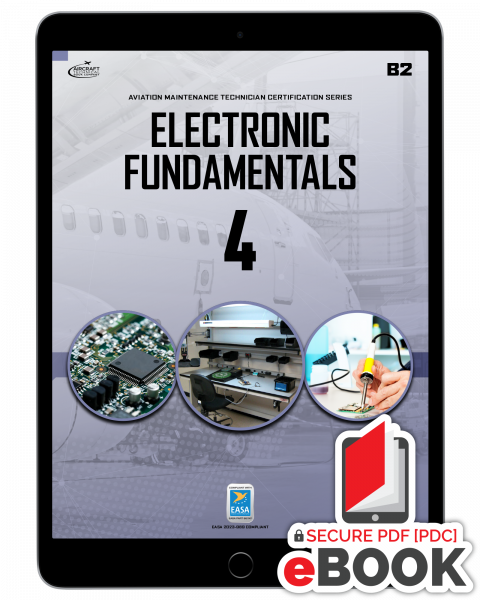
As with all ATB EASA modules, Module 4 B2: Electronic Fundamentals strictly matches the requirements of Part 66 including its content, sequence, and the required learning levels needed for an approved B2 Avionics technician program, and is so approved by many national authorities as a part of the training programs of Part 147 schools within their jurisdiction.
As prescribed in Part 66 Appendix 1, the topics are divided in 6 sections:
- Semiconductors (L2)
- Diodes (L2)
- Transistors (L2)
- Integrated circuits (L2)
- Printed circuit boards (L2)
- Servomechanisms (L2)
Complete table of contents is included with the Look Inside link above.
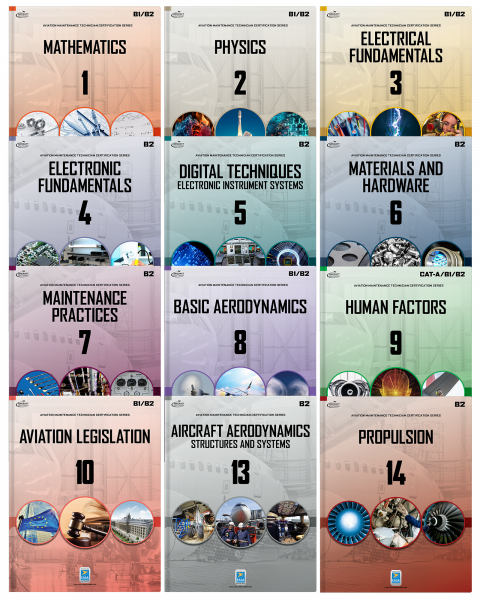
Note that the required learning levels for this B2 module differs from the B1 edition with this B2 edition covering additional topics and to a more advanced level.
Each topic is explained with understandable text and exceptional full color illustrations in step-by-step detail. You will learn by understanding concepts and how and why each skill is useful in the day-to-day tasks of the aircraft technician in the aviation maintenance environment.
Instructor Services:
For schools using ATB modules as your primary student notes, we offer various additional services including projectable image banks, examination question databases, and generous additional support for instructors and your requirements for competent authorities.
How To Get And Use Your Secure eBook with Safeguard Viewer
Secured eBooks are offered through a system called Safeguard Viewer which makes protected eBooks easier to read and view. The Safeguard Viewer application is compatible with Windows, Android, macOS and iOS devices. Visit this
LINK to get the Safeguard Viewer application. The Safeguard Viewer PDC files include all the familiar features found in standard PDFs. Our eBooks are authorized to use on up to three (3) supported devices. Your files are authorized to you and can be viewed online or offline. Secured PDCs may be used on any device that supports the Safeguard Viewer application The download process is three (3) easy steps:
- Install the Safeguard Viewer application found in your second email from licensing@actechbooks.com
- Download your license from that same second email. Note: A license is only needed once, if you lost your license, or change emails address, send us your email and order number and we will resend your license to download right away. Also, you will need to be online the first time you open your eBook, so your license can be authorized.)
- Open and enjoy your new eBooks and experience. Please let us know if you have any issues-anytime! techsupport@actechbooks.com